Done for you
You send the materials — we handle the rest: import, review, publishing.
- One contact for the whole project
- Every apartment reviewed before publishing
- All links as a spreadsheet for your CRM
3D tours for property developers
Send us your floor plans and get a 3D tour, photos, 360° panoramas and a plan for each apartment. Your sales team shares a link in any messenger; a widget sits on your website. No 3D artist, no weeks of waiting.
Free pilot of 5 apartments before any contract
Why it matters
Most buyers can't read a drawing. They can't tell whether the sofa fits, where the sun comes in or which room becomes the nursery. Your manager spends the call explaining, and the buyer leaves to “think it over”.
Buyers see walls and numbers but cannot picture living there.
Renders usually cover two or three typical units; everything else sells off a plan.
A revised layout or a new phase means another brief, another quote and more weeks.
What you get
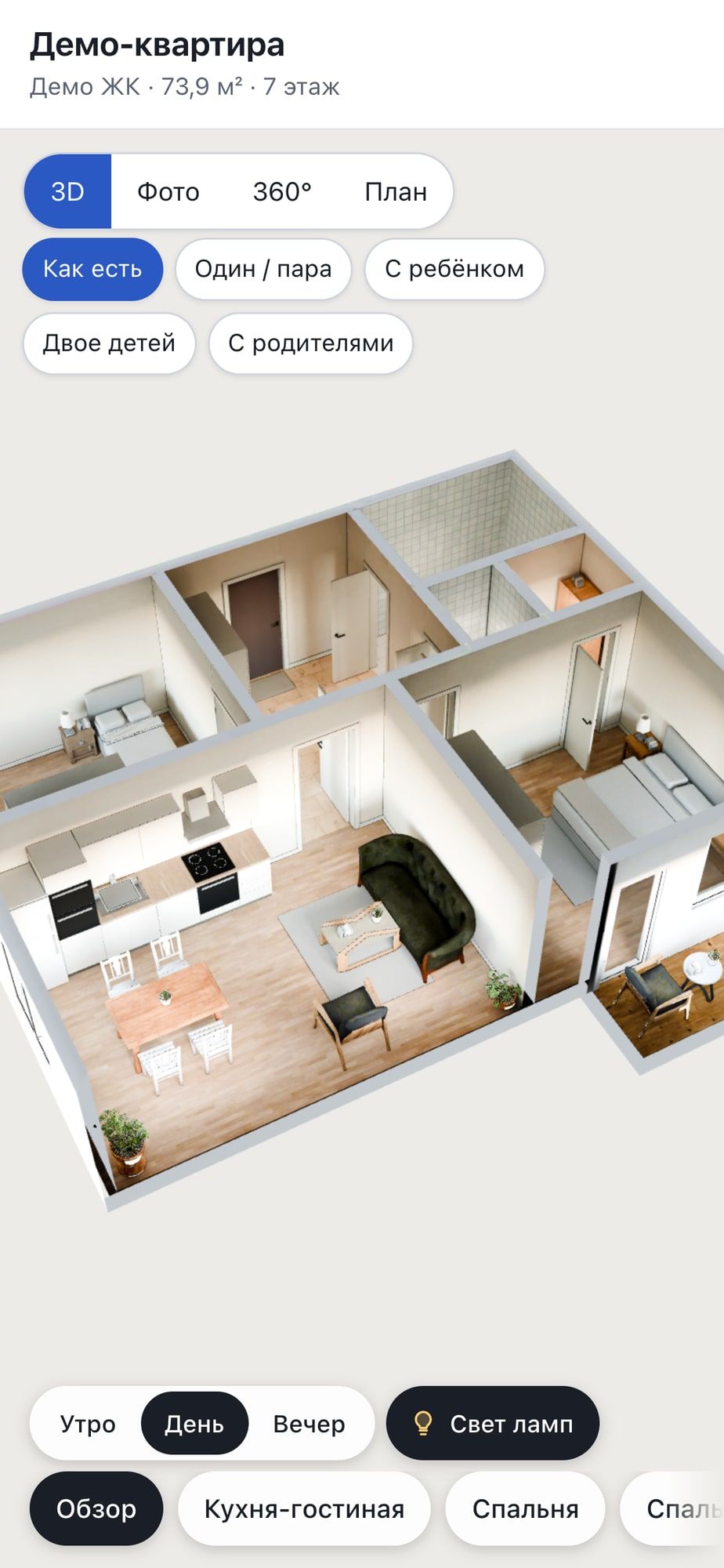
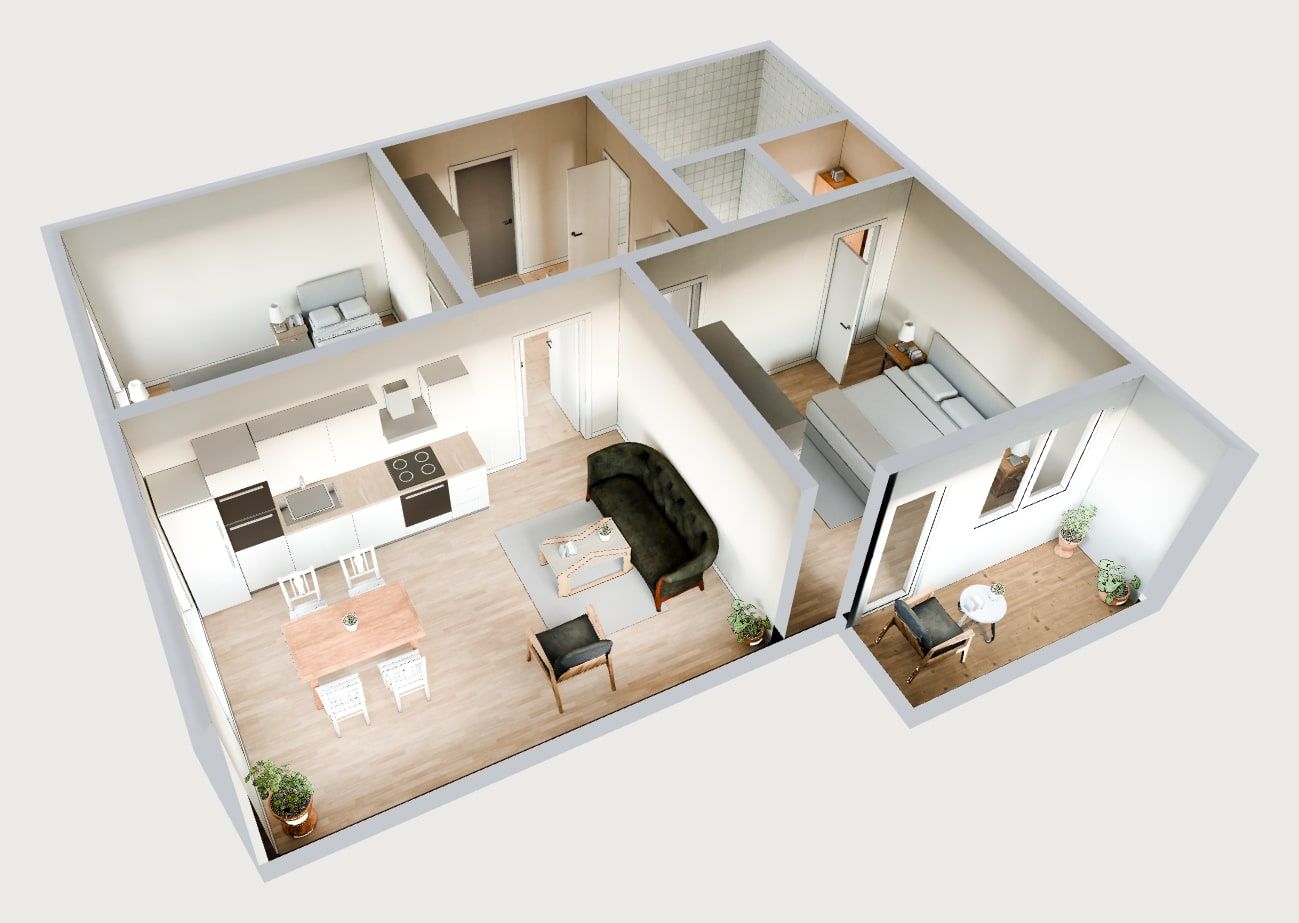
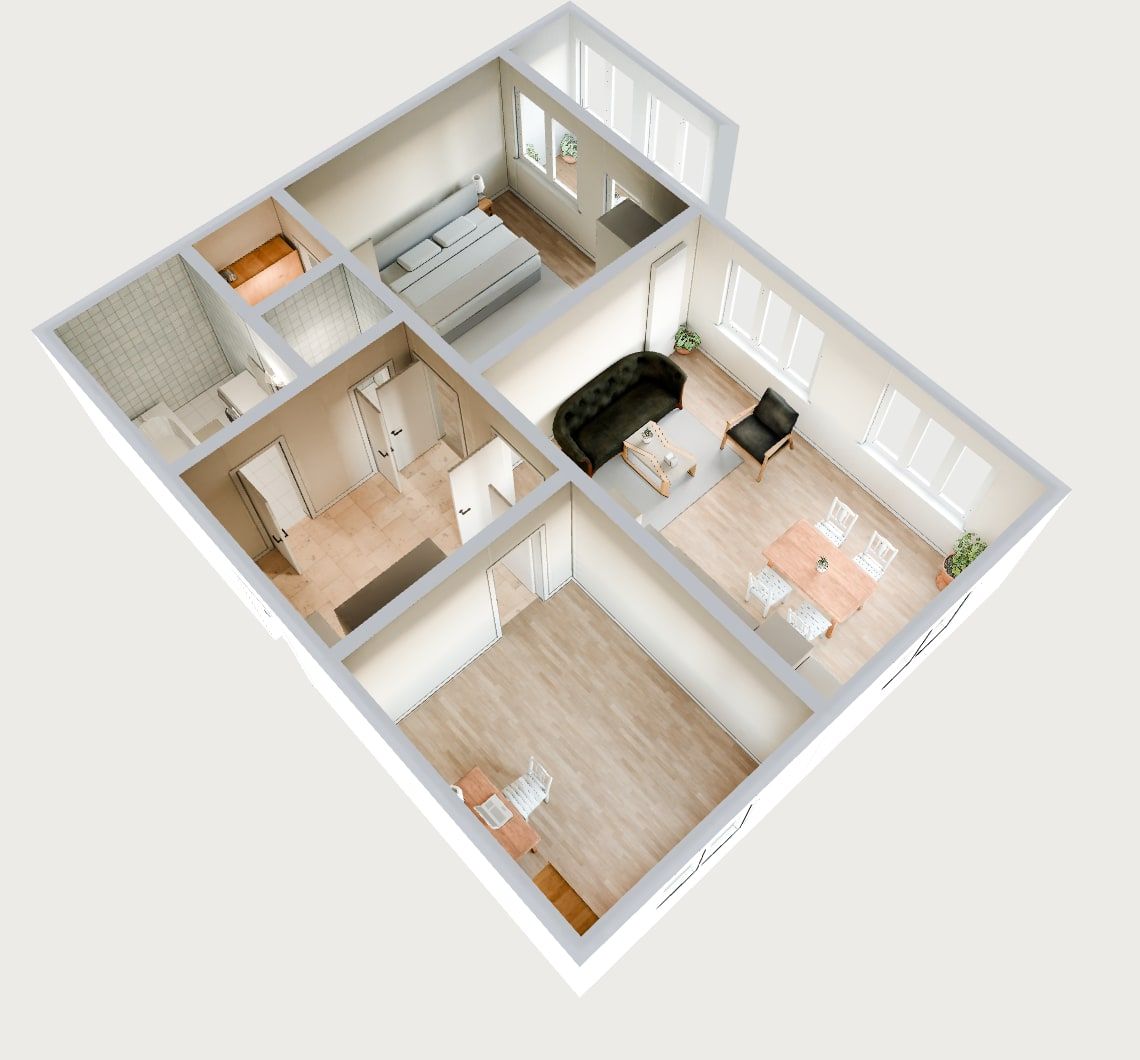
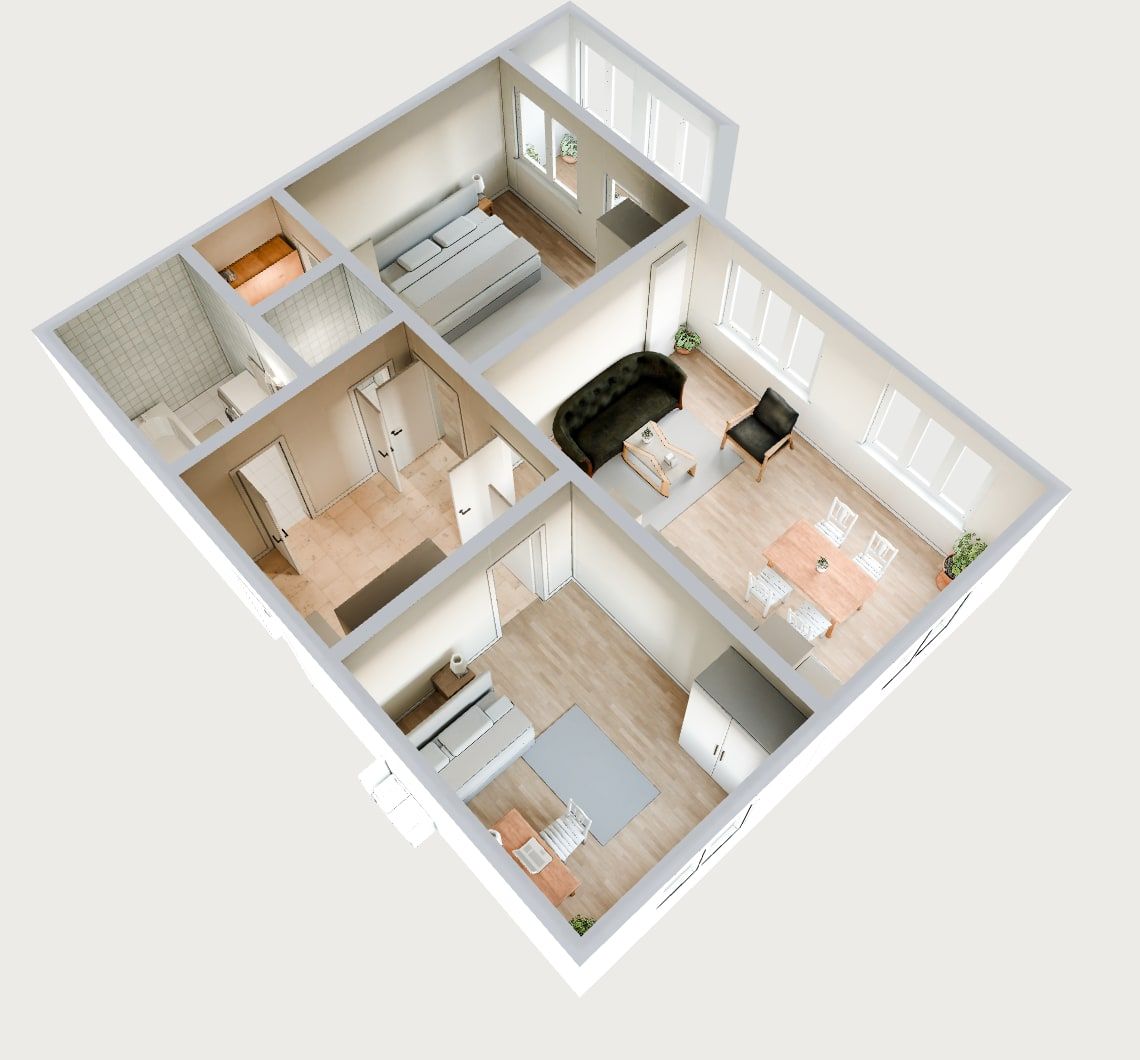
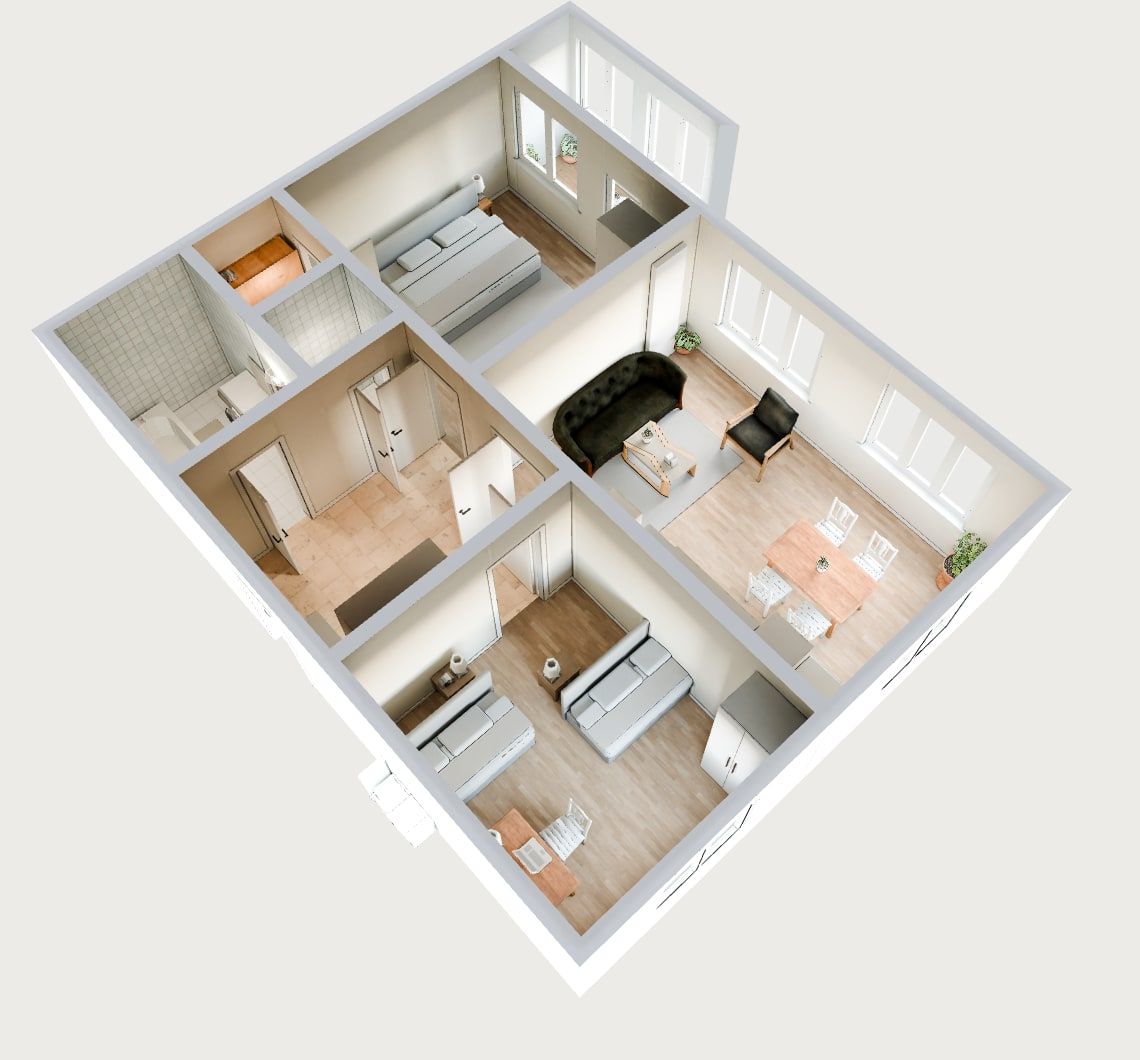
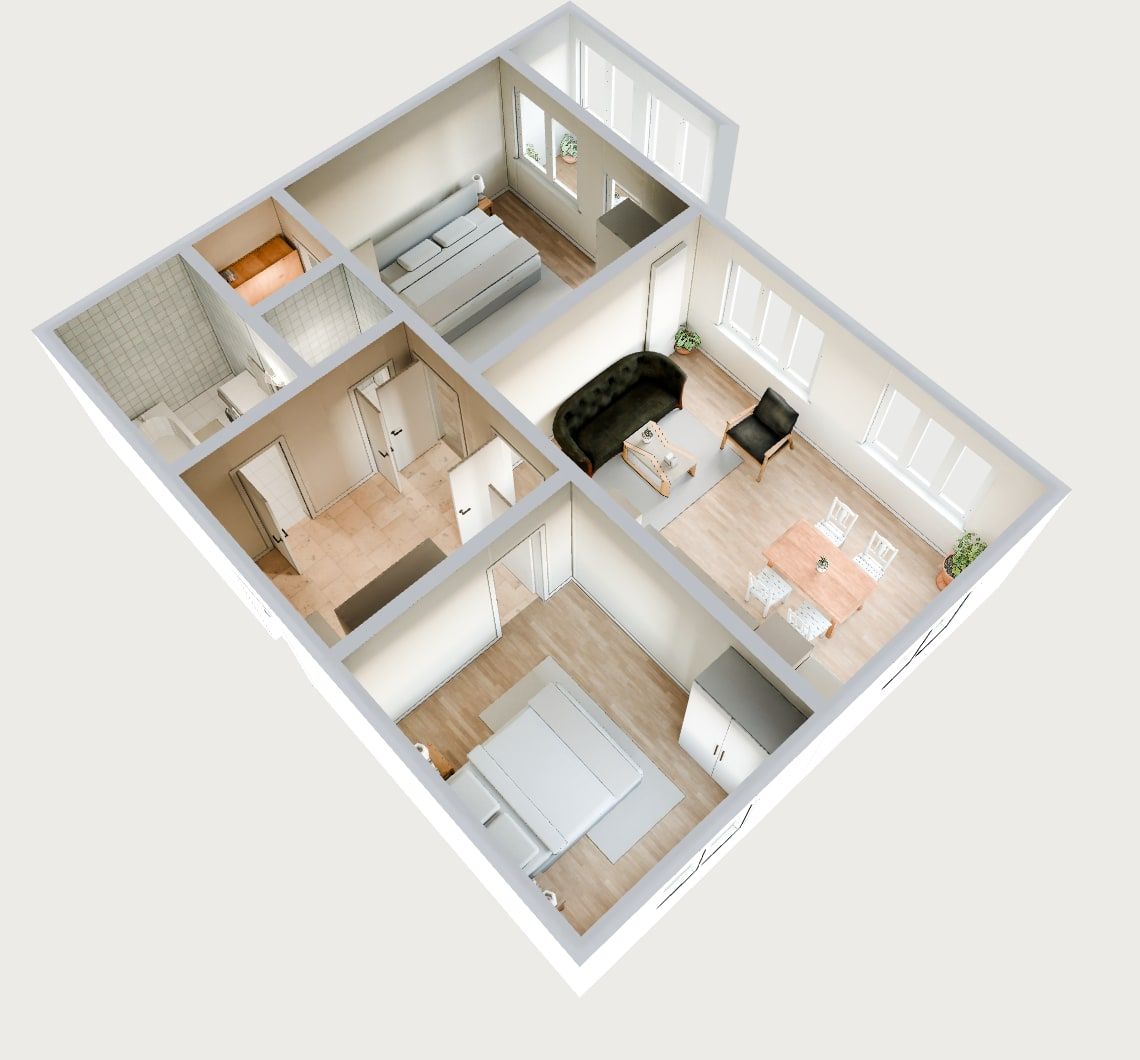
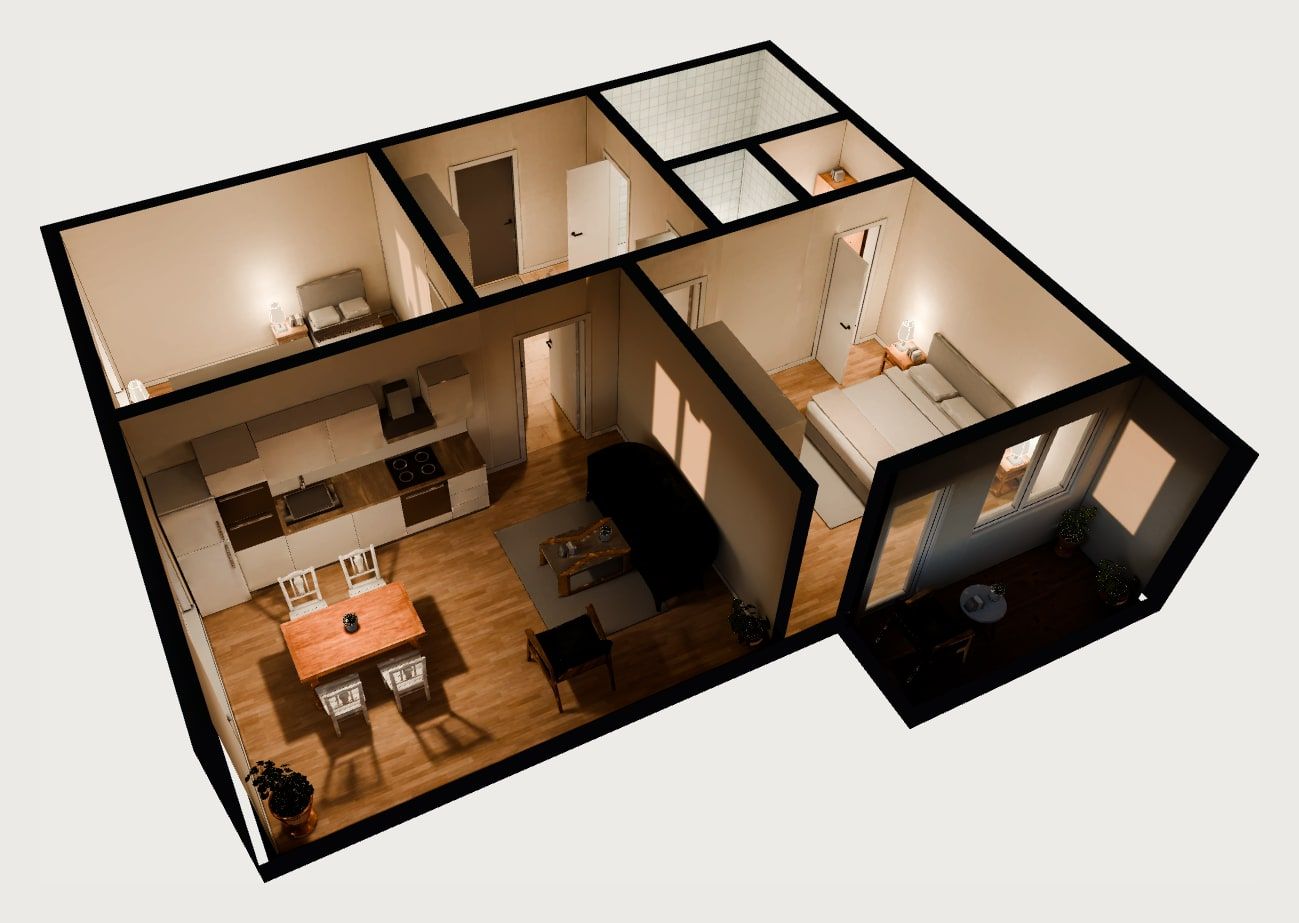
A dollhouse cutaway plus an eye-level walk from room to room.
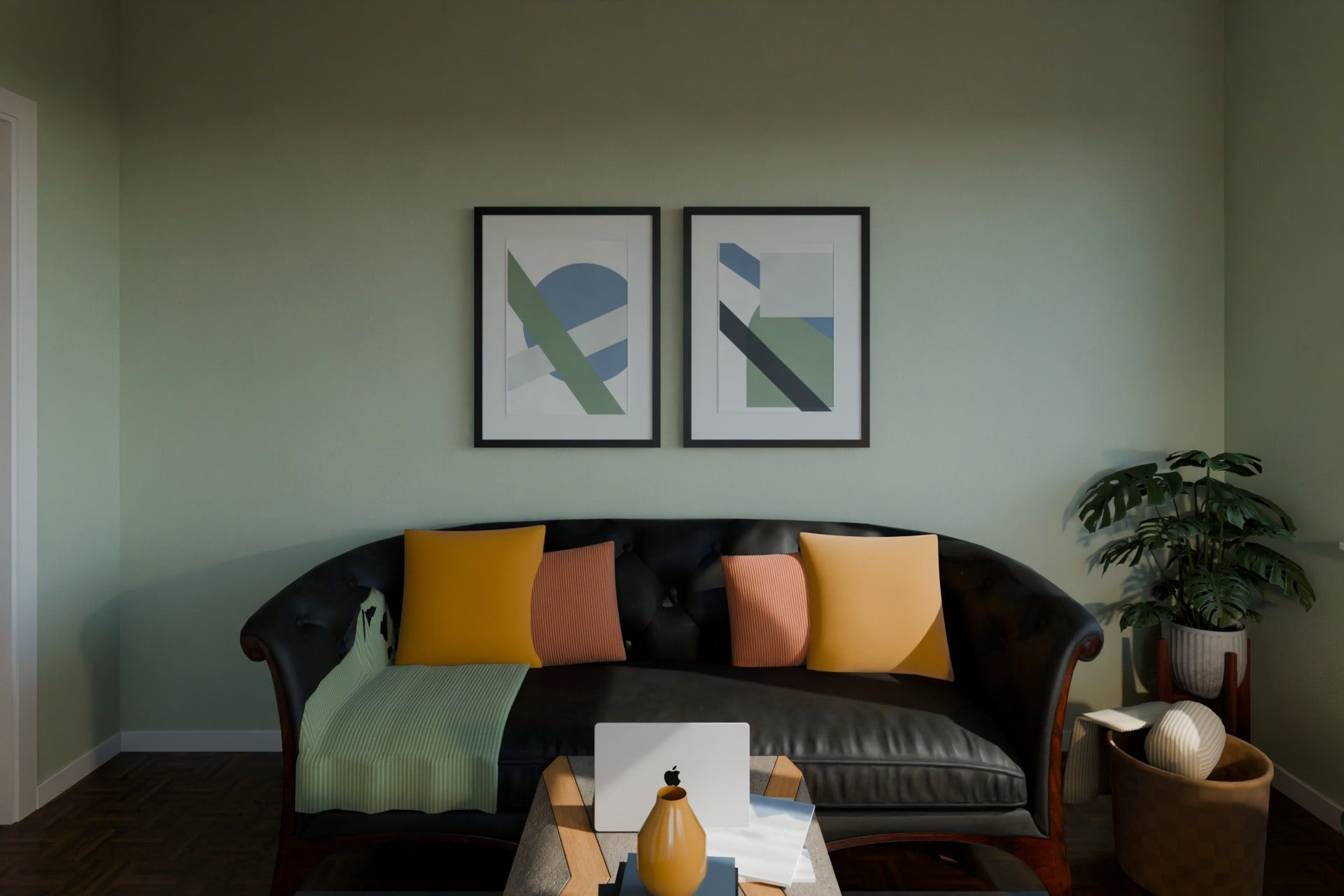
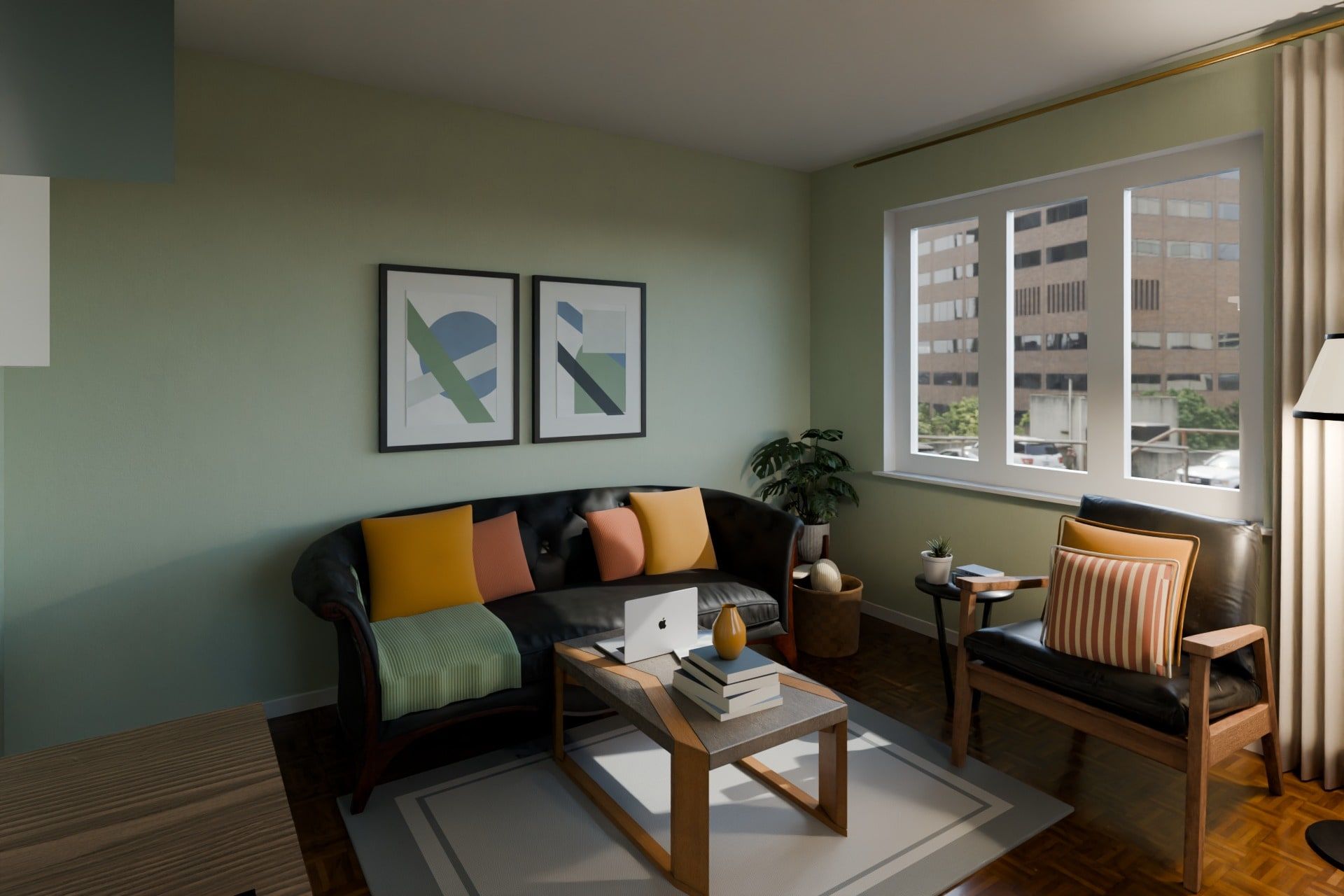
Interior-photography-grade shots of each room for your site, ads and brochures.
Look around from the middle of the room — by finger or by turning the phone.
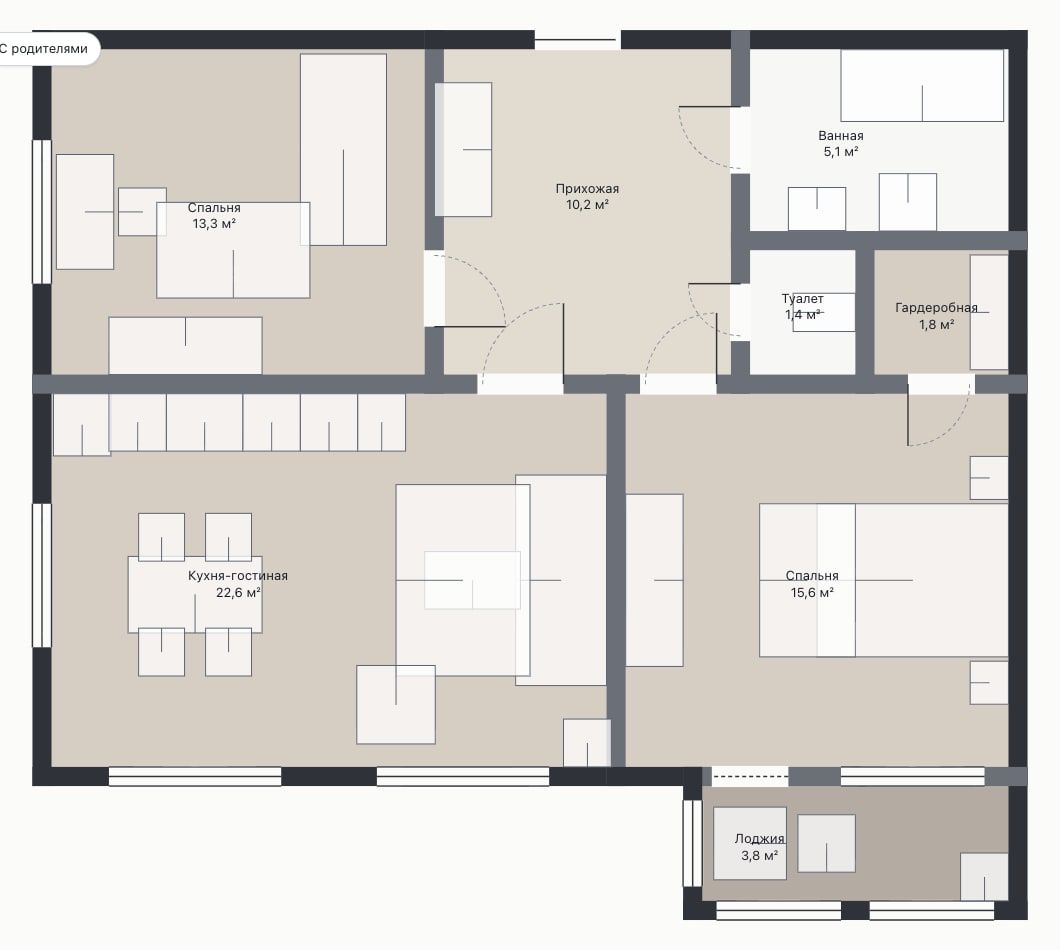
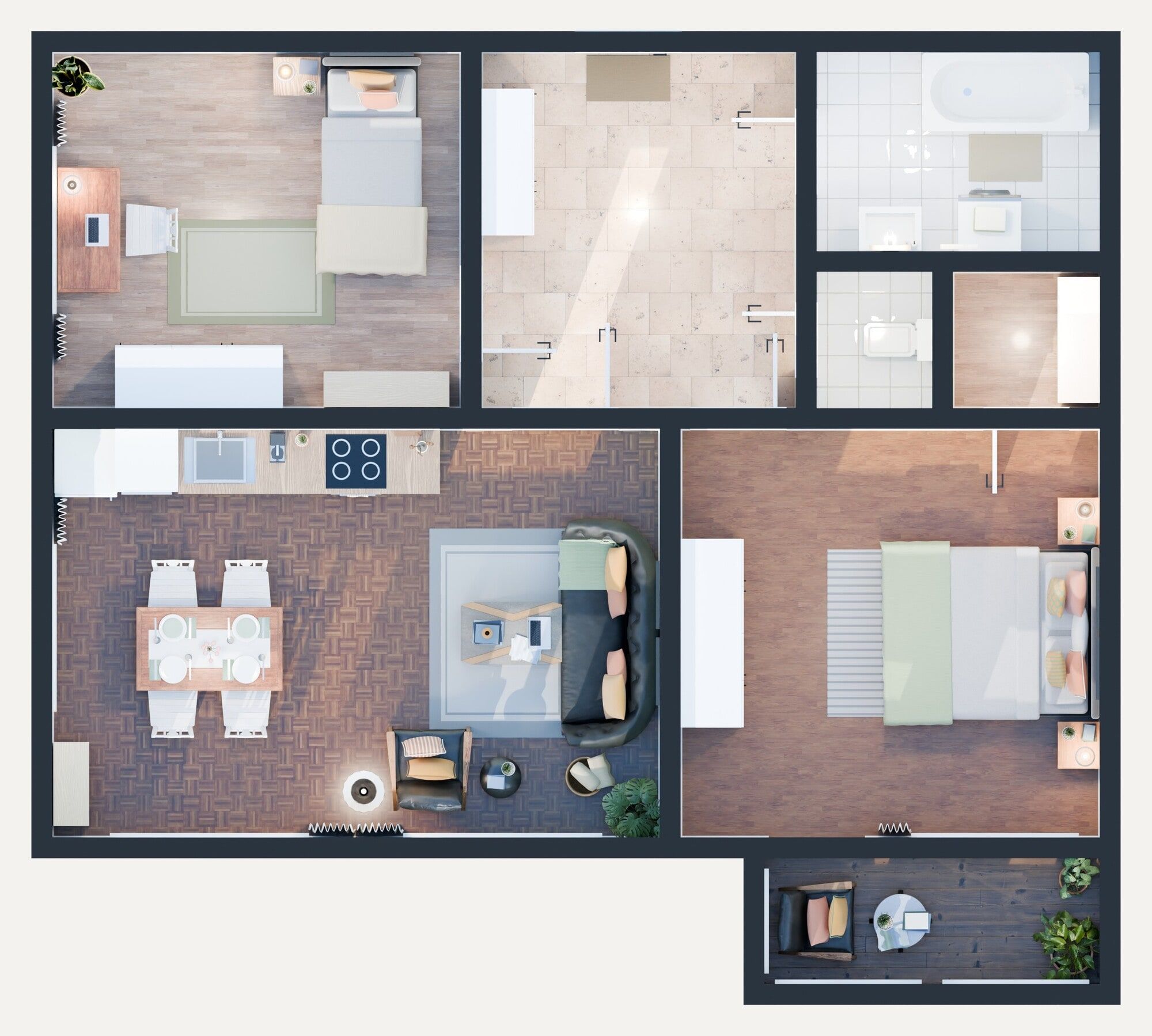
A clean plan with room areas.
Single or couple, with a child, two kids, with elderly parents — furnished for each case.
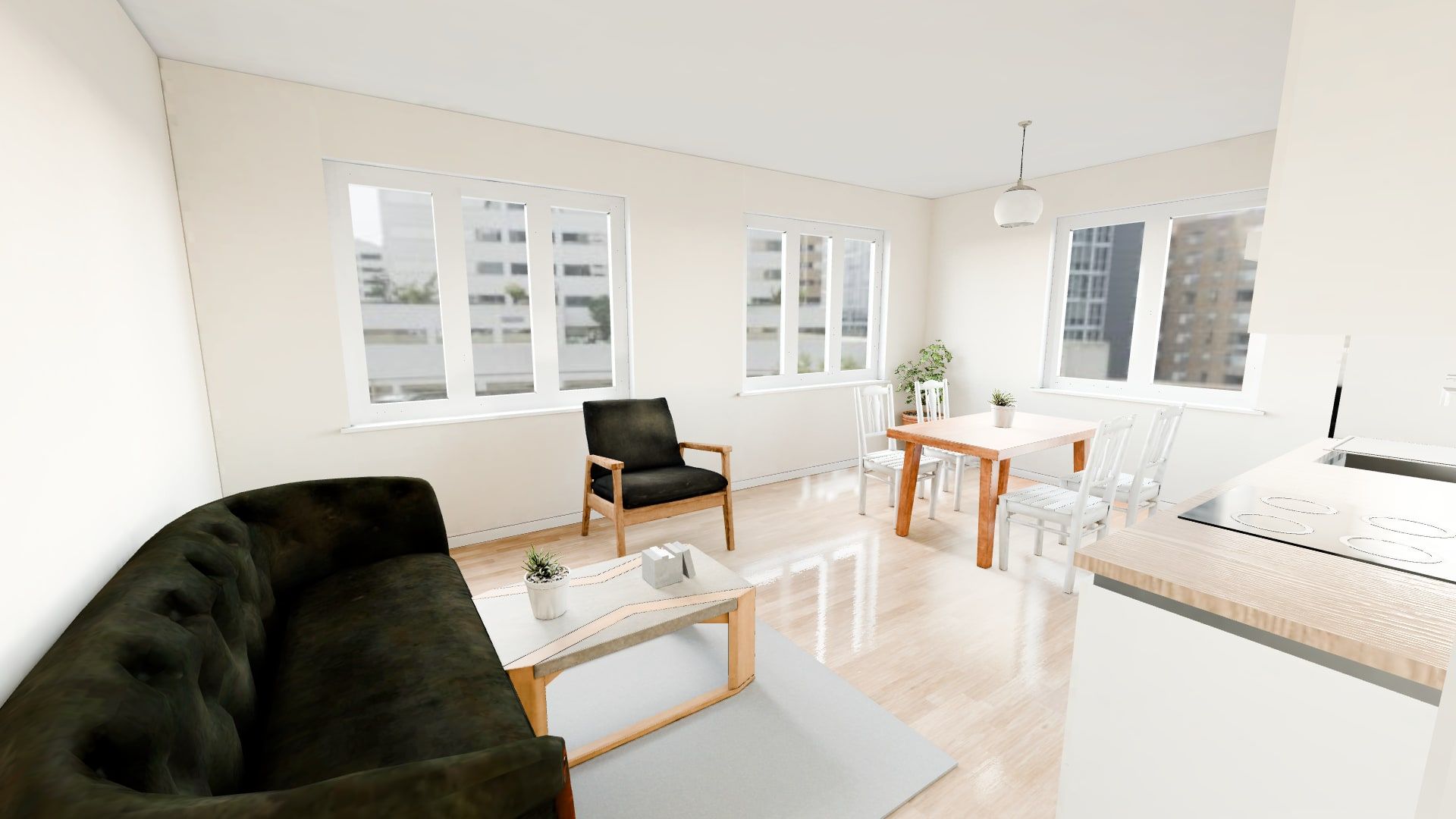
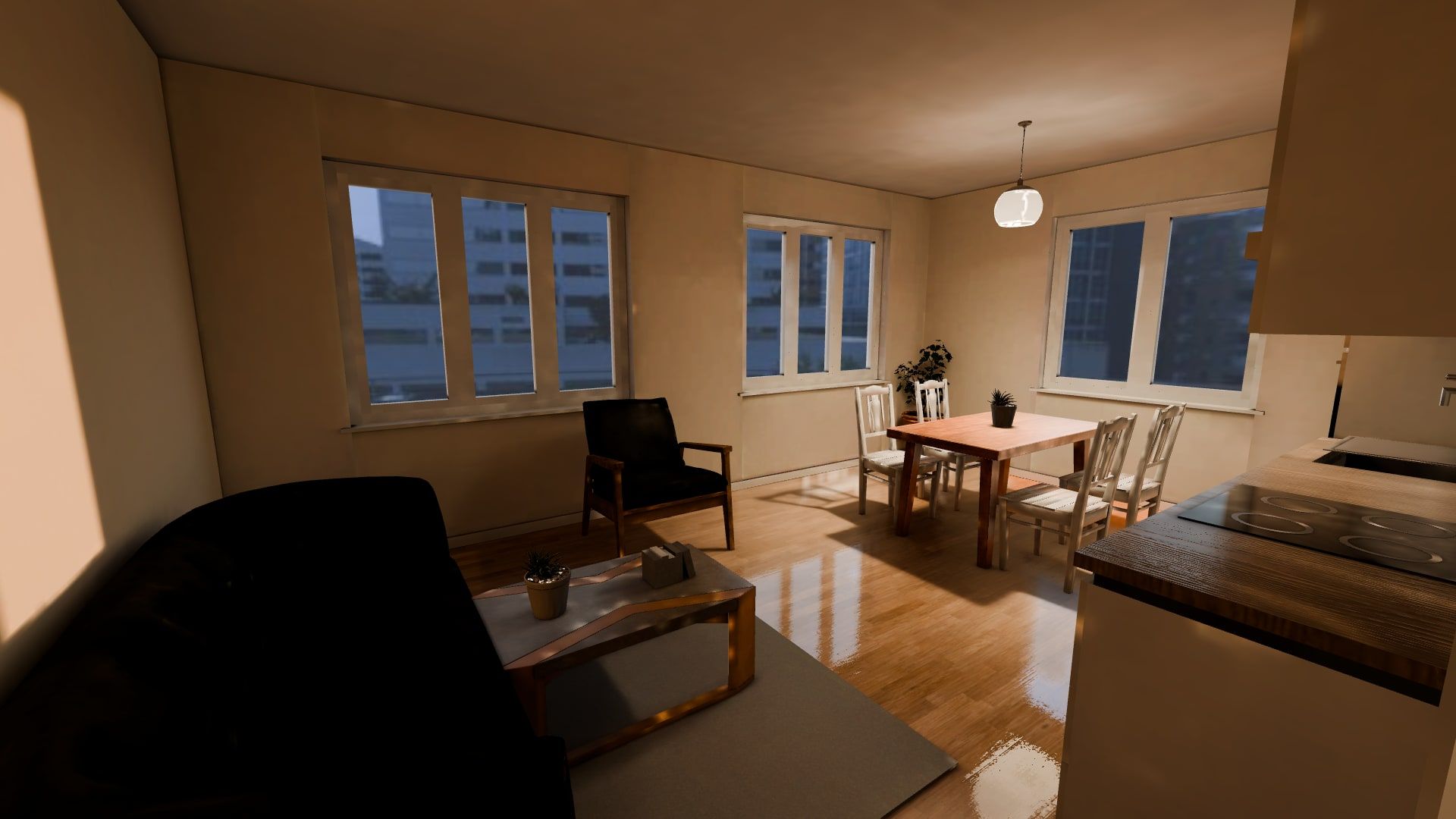
Sunlight follows the real orientation of the building; lamps switch on with a tap.
Opens in a regular browser — no app, no sign-up.
Lightweight models and CDN caching: the tour opens even on mobile data.
A ready widget next to each apartment card — one line of code.
Layout changed? The tour, photos and plan are rebuilt automatically.
Light
The sun is computed from the building's orientation and latitude, so morning light lands where it really will. In the evening the lamps come on — buyers see a cosy home, not an empty box.
Family variants
The second bedroom becomes a study, a nursery or a room for the parents. Buyers pick their household and instantly see how it would work for them.
One source, every format
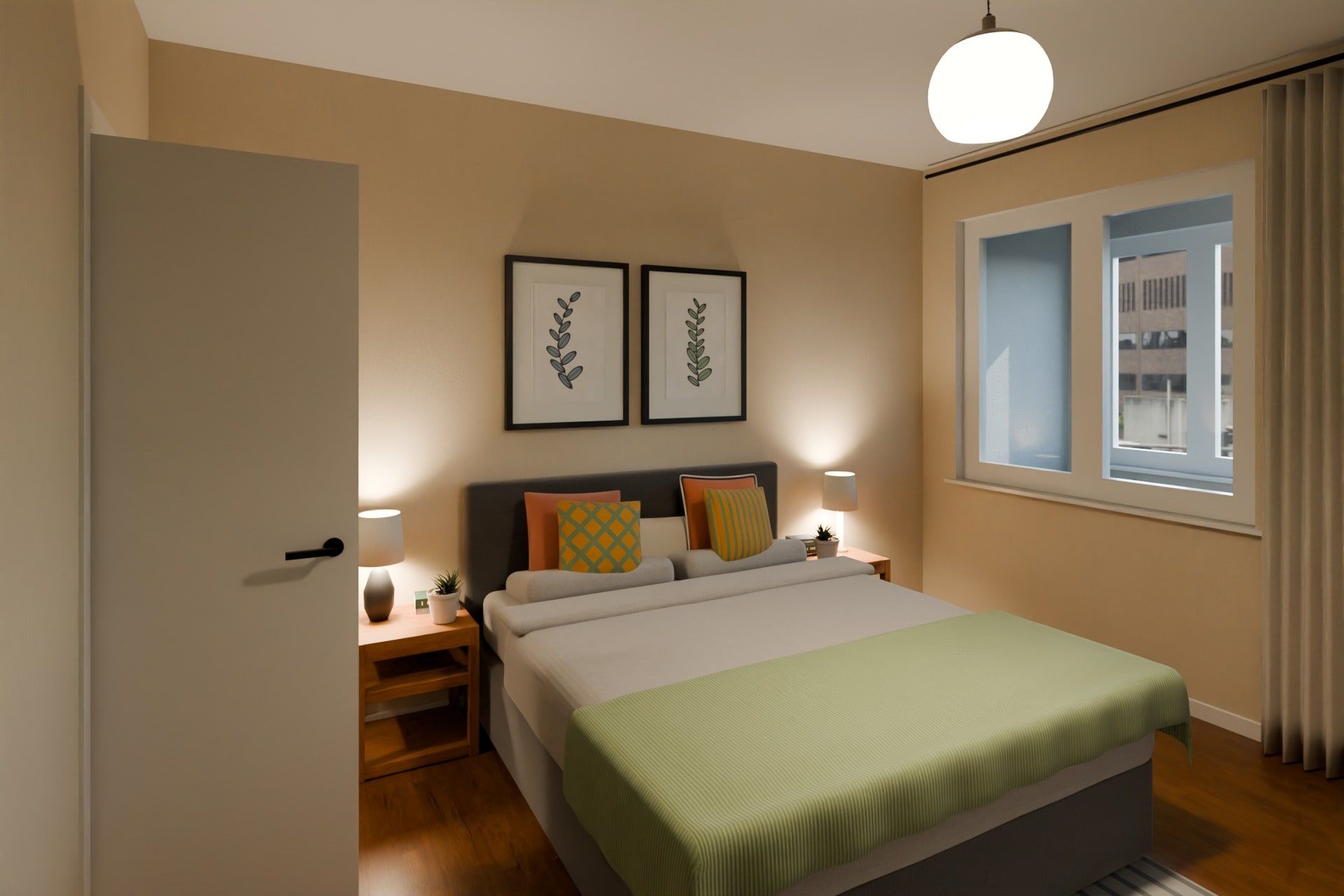
Bedroom stillPhotoreal shot
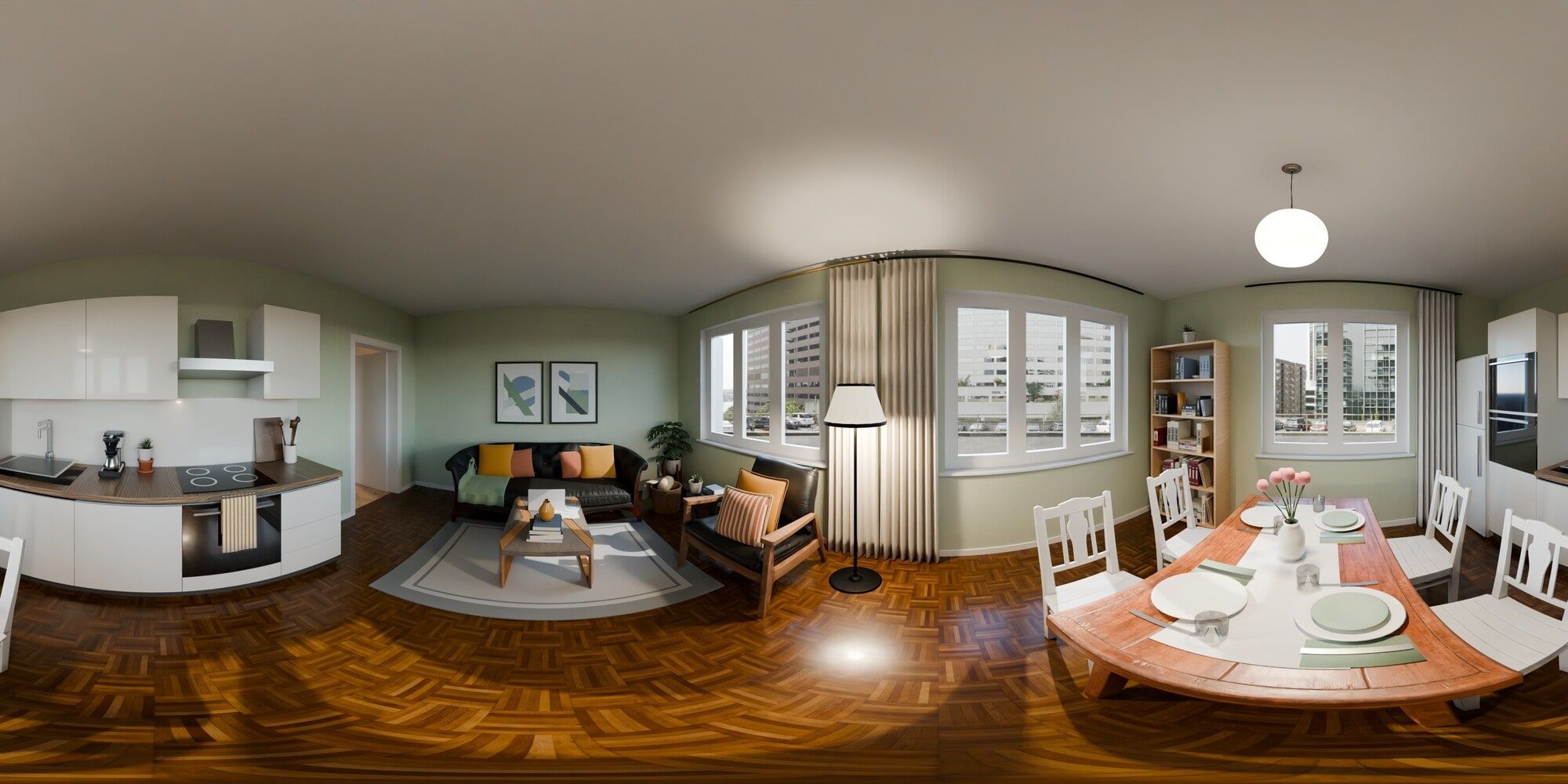
360° panoramaKitchen-living room
Plan with areas73.9 m², two bedrooms
Top viewCeiling cut away
Live demo
A fictional 73.9 m² two-bedroom apartment in a fictional “Demo Residence”. Switch between morning and evening, try the family variants, walk into the rooms — exactly what your buyer will see.
How it works
PDFs, images or simply a link to the project's web page — we'll pick the plans up ourselves.
Walls, windows and doors are recognised, furniture is placed, light and rendering are computed — no manual 3D work. We review the result.
A link for every apartment for your sales team and a snippet for your site. We fix any remarks.
Ways to work
You send the materials — we handle the rest: import, review, publishing.
Upload plans yourself, track progress and control publishing.
Pricing
Free
5 apartments before a contract
from $25
one-time, per unique layout
from $30
per month while you are selling
A complex with hundreds of apartments usually has dozens of unique layouts, not hundreds. Multiple phases or projects are quoted individually.
Discuss your projectFor sales teams
Managers send the tour on WhatsApp or Telegram mid-conversation — the buyer explores while you talk.
A family with two kids sees the apartment with two kids rooms, not an abstract drawing.
Works in the browser of any phone. No installs, no logins.
Comparison
Integration
A dedicated page for every apartment — for messengers, email and ads.
https://app.tourflat.com/p/<id>One line in the apartment card on your website. Adapts to the width.
<iframe src="https://app.tourflat.com/p/<id>?title=0"
  width="100%" height="640" style="border:0"
  allow="fullscreen; xr-spatial-tracking"
loading="lazy"></iframe>A script adds a button to your apartment cards and opens the tour over your site.
FAQ
A pilot of 5 apartments usually takes a few days. A whole complex depends on the number of unique layouts: identical ones are never rebuilt.
Your floor plans, or a link to the page where they are published. For accurate sunlight, the address or the building's orientation. Ceiling height, if it is not standard.
PDF, JPG or PNG — or, easiest of all, a link to your website. DWG or DXF drawings are welcome too; we will discuss them.
Yes, the tour opens in a mobile browser without installing anything. Photos, panoramas and the plan work even on very old devices.
Yes. The default is a neutral contemporary style; finishes and furniture sets can be tuned to your project — we can discuss it during the pilot.
We only work with the floor plans you give us. Apartment pages are hidden from search engines and reachable by an unguessable link, and you can unpublish any time. This website sets no cookies and stores no form data.
You pay for unique layouts, not apartments: a 500-apartment complex usually has dozens. Multiple phases are quoted individually.
No. Everything is built automatically from the floor plans, and we review the result before publishing.
Get started
Leave your details — we'll run a free pilot on 5 apartments of your project and show you the result.
Or write to us directly